See active work together
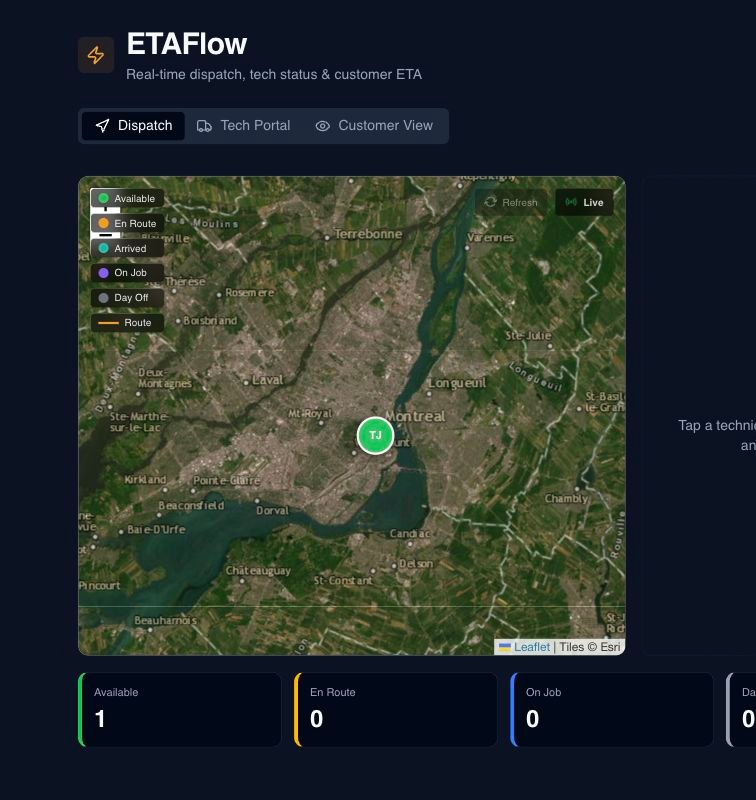
The office can review active jobs in a list and map without piecing together separate messages.
Do not lose trust before arrival
ETAFlow keeps active-job status, mapped destinations, route-based travel estimates, and secure customer links moving with the work so every update does not depend on another manual status call. It does not claim continuous technician location tracking.
What no longer has to depend on memory
The office can review active jobs in a list and map without piecing together separate messages.
Technicians update the operational step so the office knows whether work is dispatched, underway or complete.
Google Routes supports travel estimates, with a fallback when the external route result is unavailable.
The owner chooses the latest-arrival buffer used to flag a possible delay.
A secure token link lets the customer check the current status and ETA information prepared for the job.
Potential delays can be reflected in the operational view and the configured customer communication flow.
What Opti-Terrain handles and where you stay in control
Every major workflow makes five things visible: what starts it, which rules apply, what Opti-Terrain completes, when it stops and asks, and where you can verify the result without reconstructing the process.
An assigned job approaches its service time and the technician updates its status.
You set the arrival buffer and decide which status notices customers receive.
Opti-Terrain prepares route-based ETA information, updates the active-job view and maintains the secure status link.
It asks when a delay or schedule change requires a new customer commitment.
See it in ETAFlow, the job status history and the customer's secure tracking page.
From office to field
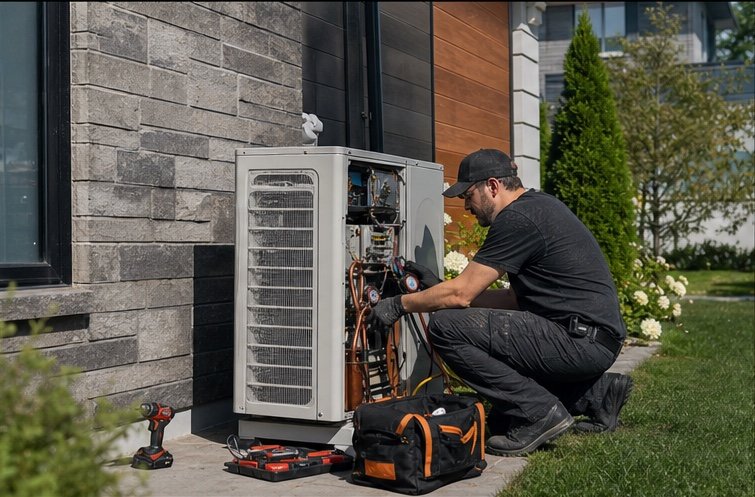
The same request, schedule, customer details, photos, notes, status, and next action stay available as work moves from the office to the site.
Real product screen
This image comes from the current Opti-Terrain application. Interface details may evolve, but the workflow shown here is part of the product surface audited for this site.
Opti-Terrain
Opti-Terrain keeps supported repeatable work moving, brings exceptions back before damage is done, and keeps the result visible.