Keep tenants separated
Organization identifiers and server-side checks scope supported records to the authenticated tenant.
Do not risk trust at the foundation
Organization-scoped routes, server permissions, protected authentication, and private file access establish explicit boundaries across English and French administrative, technician, and key public workflows. Security remains an ongoing operating practice, not an absolute guarantee.
What no longer has to depend on memory
Organization identifiers and server-side checks scope supported records to the authenticated tenant.
Role and technician-scope checks run on the server for supported routes rather than relying only on hidden buttons.
Password hashing, signed authentication tokens, token-version checks, password reset and session revocation support account control.
Organizations can use optional SMS two-factor authentication for supported sign-in flows.
AES-GCM encryption supports organization secrets, while private storage and signed URLs limit supported photo access.
Administrative, technician and key customer-facing workflows support both languages, with continued review required for new and less common artifacts.
What Opti-Terrain handles and where you stay in control
Every major workflow makes five things visible: what starts it, which rules apply, what Opti-Terrain completes, when it stops and asks, and where you can verify the result without reconstructing the process.
A user signs in, requests an organization record, opens a protected link or selects a language.
You configure roles, technician scope, optional two-factor authentication, integration secrets and language preferences.
Opti-Terrain validates the supported request, applies scope and permission checks, then presents the available localized flow.
It asks for stronger authentication, renewed access or administrator action when a protected operation requires it.
See access and language outcomes in account controls, role settings, protected records, audit context and Sentry monitoring.
From office to field
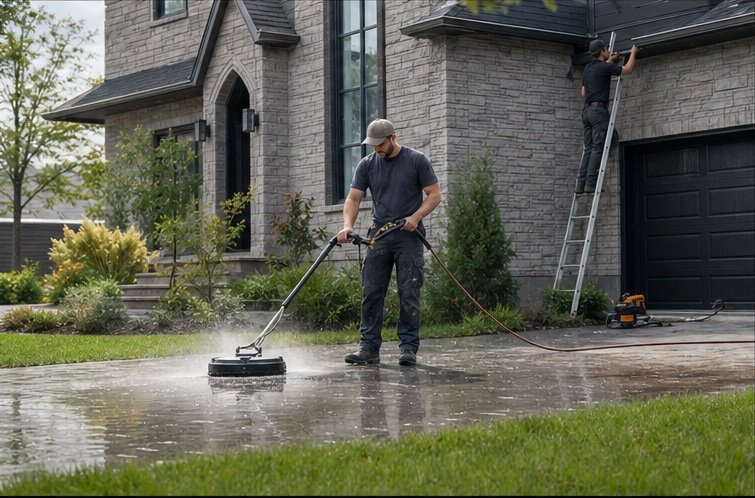
The same request, schedule, customer details, photos, notes, status, and next action stay available as work moves from the office to the site.
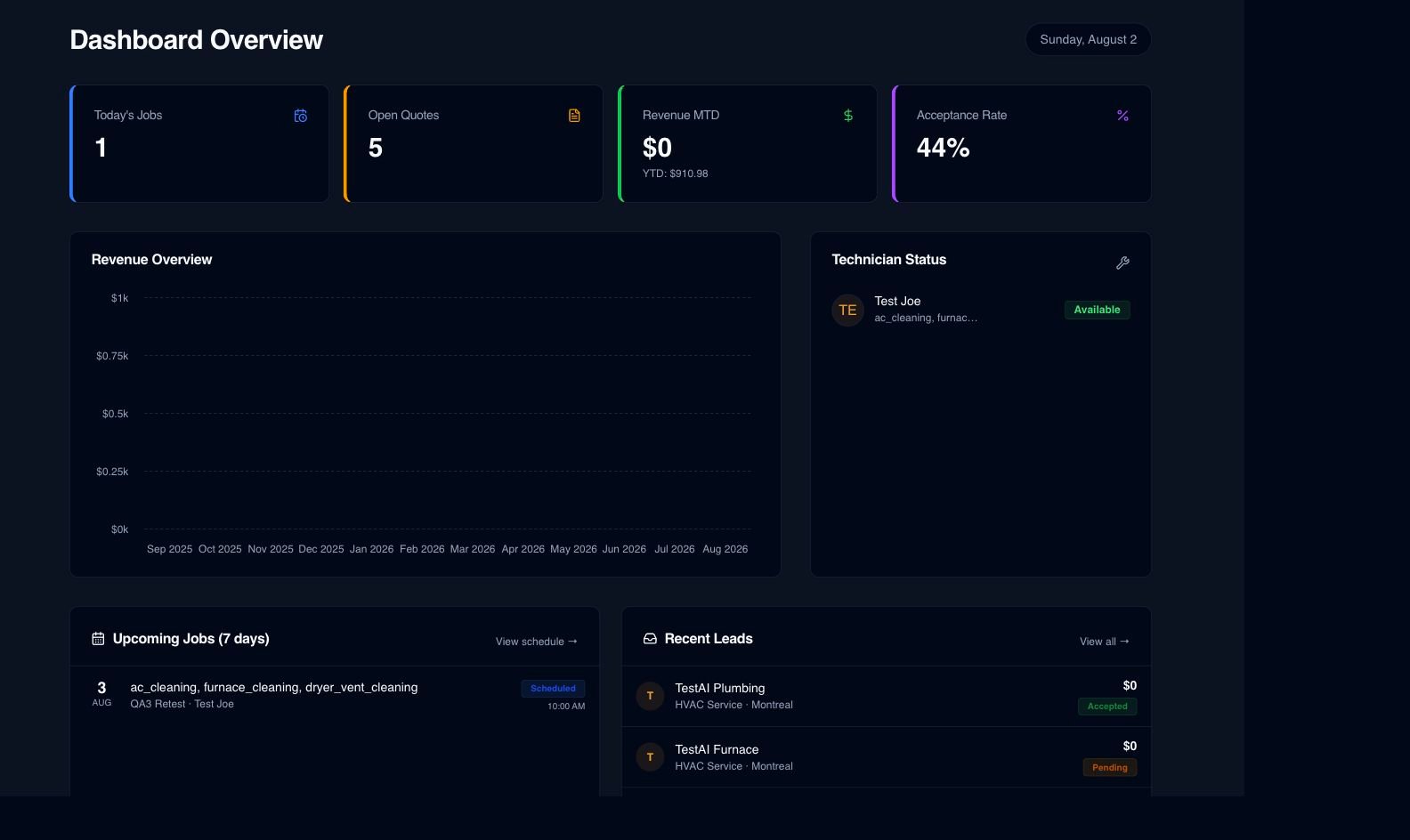
Real product screen
This image comes from the current Opti-Terrain application. Interface details may evolve, but the workflow shown here is part of the product surface audited for this site.
Opti-Terrain
Opti-Terrain keeps supported repeatable work moving, brings exceptions back before damage is done, and keeps the result visible.