Start from approved work
Build an invoice manually or carry the agreed quote lines into a new invoice.
Do not let completed work become unpaid work
Approved work can move toward a manual or prepared invoice without rebuilding the job. Opti-Terrain applies Quebec tax rules, shares customer-ready documents, and records partial or manual payments while keeping the audit trail.
What no longer has to depend on memory
Build an invoice manually or carry the agreed quote lines into a new invoice.
Statuses distinguish drafts, sent invoices, partial balances, paid records, overdue amounts and void documents.
Use TPS, TVQ, custom tax handling and tax-exempt lines where the invoice requires them.
Public print and PDF views provide a clear invoice record without exposing the administrative workspace.
Capture partial and manual payments, internal installment schedules and credit notes against the invoice history.
Bulk actions help the office work efficiently, and an optional completion rule can create a draft without sending it automatically.
What Opti-Terrain handles and where you stay in control
Every major workflow makes five things visible: what starts it, which rules apply, what Opti-Terrain completes, when it stops and asks, and where you can verify the result without reconstructing the process.
The office creates an invoice, converts a quote or completes a job with draft creation enabled.
You set taxes, payment terms, installment details, invoice timing and who may edit financial records.
Opti-Terrain prepares the document, tracks its state and updates the recorded balance as entries are added.
It asks before a draft is sent, a credit changes the balance or a person must confirm a financial exception.
See the invoice, public document, balance history, audit log and financial reports.
From office to field
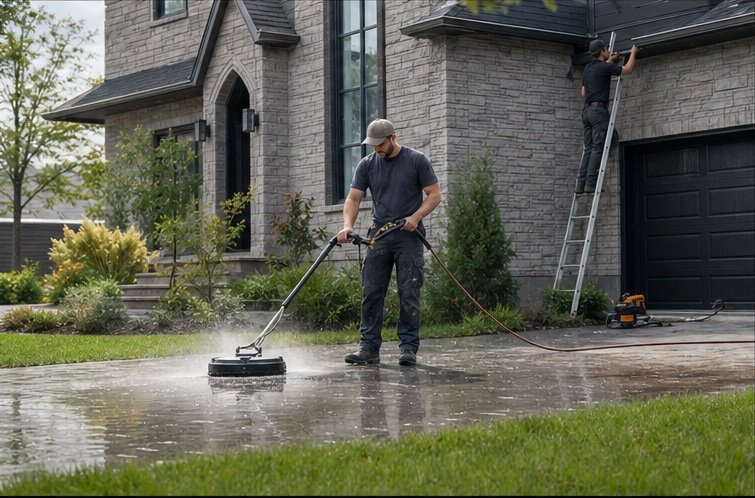
The same request, schedule, customer details, photos, notes, status, and next action stay available as work moves from the office to the site.
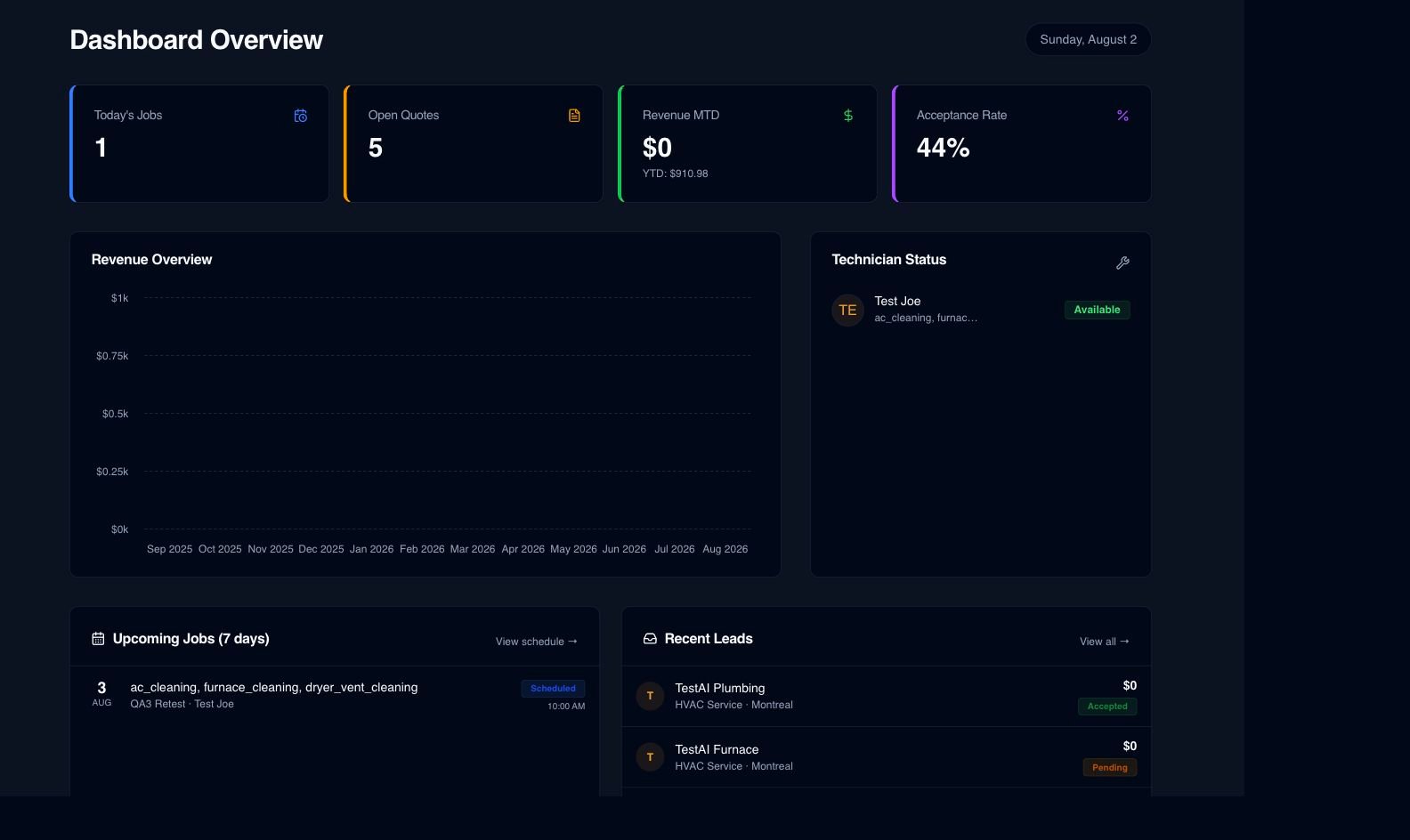
Real product screen
This image comes from the current Opti-Terrain application. Interface details may evolve, but the workflow shown here is part of the product surface audited for this site.
Opti-Terrain
Opti-Terrain keeps supported repeatable work moving, brings exceptions back before damage is done, and keeps the result visible.