Frame the whole engagement
Record project status, working dates, budget and lead technician before managing individual visits.
Do not let a long project fragment
Multi-day or multi-visit work stays organized around a lead technician, budget, milestones, linked jobs, progress, completion photos, and costing context instead of living across memory and separate notes.
What no longer has to depend on memory
Record project status, working dates, budget and lead technician before managing individual visits.
Milestones provide a visible way to describe important stages within the project.
Link or unlink job records so visits remain operationally independent while contributing to the project.
Project progress brings the connected work into one higher-level view.
Store direct project photos alongside completion photos from linked jobs.
Cost and profit tools bring available budget, job and expense context together for review.
What Opti-Terrain handles and where you stay in control
Every major workflow makes five things visible: what starts it, which rules apply, what Opti-Terrain completes, when it stops and asks, and where you can verify the result without reconstructing the process.
The office creates a project for work that spans multiple days or job records.
You set the dates, budget, lead technician, milestones and which existing jobs belong.
Opti-Terrain connects the selected jobs, progress, proof and available cost context under the project.
It asks when a person must change project scope, links, budget or milestone status.
See it in the project overview, milestone list, linked jobs, photo collections and cost tools.
From office to field
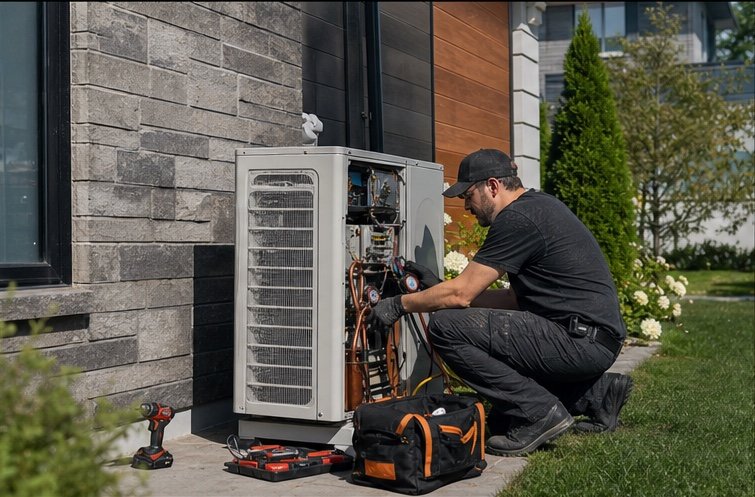
The same request, schedule, customer details, photos, notes, status, and next action stay available as work moves from the office to the site.
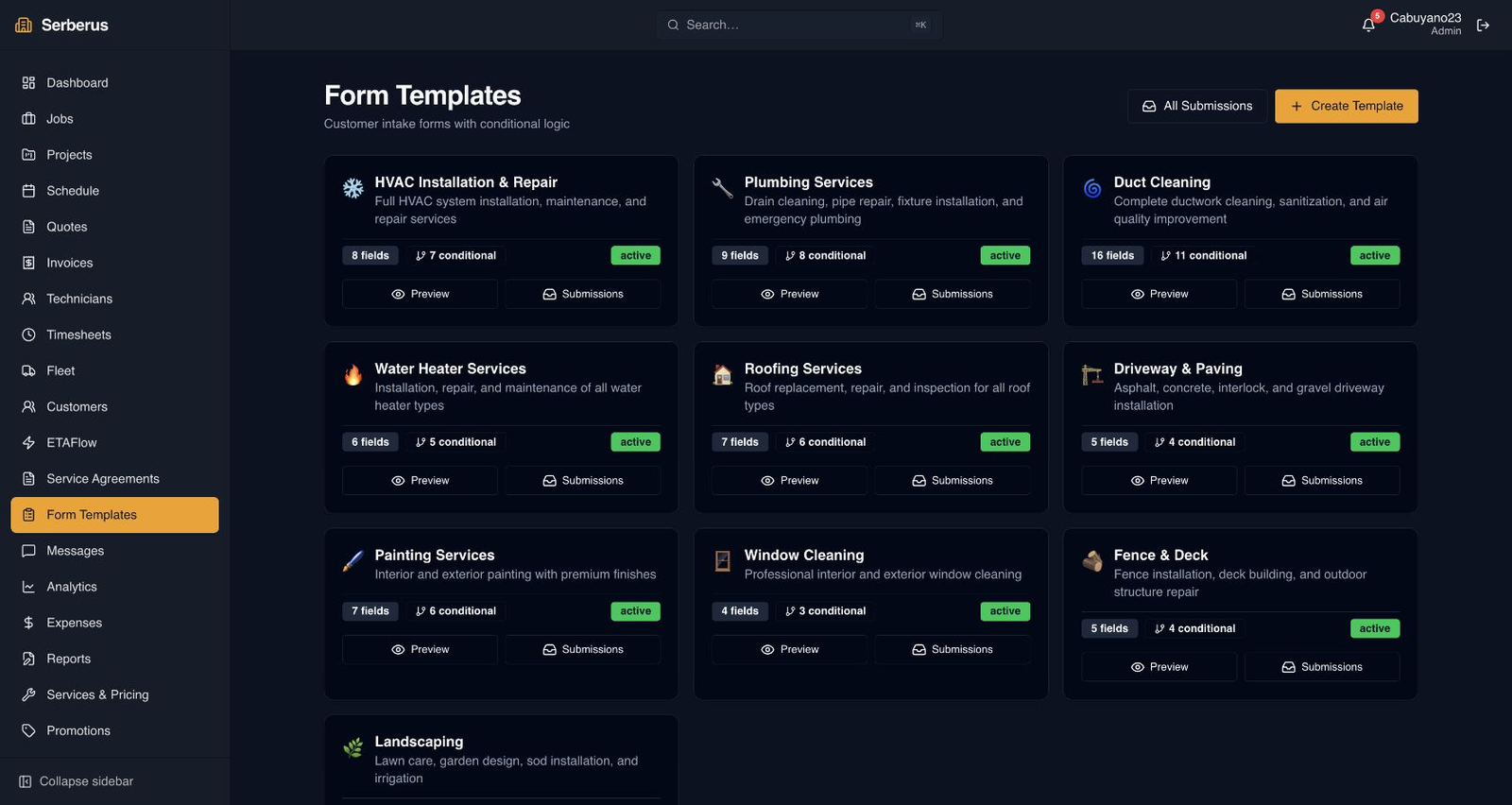
Real product screen
This image comes from the current Opti-Terrain application. Interface details may evolve, but the workflow shown here is part of the product surface audited for this site.
Opti-Terrain
Opti-Terrain keeps supported repeatable work moving, brings exceptions back before damage is done, and keeps the result visible.