Separate office and field access
Administrative users manage operations while technician users remain focused on permitted field work.
Do not trade control for convenience
Administrators and technicians receive distinct access, custom roles, server-enforced organization and technician scope, seat limits, and account controls so permissions do not depend on informal instructions.
What no longer has to depend on memory
Administrative users manage operations while technician users remain focused on permitted field work.
Create custom roles that reflect the actual responsibilities in the organization.
Permission groups cover view, create, edit and delete actions, with separate export and full-admin authority.
Seat checks help the account stay within the user allowance of its configured plan.
An administrator can link or unlink a user account from its technician record.
Password reset, optional SMS two-factor authentication and session revocation support account recovery and access changes.
What Opti-Terrain handles and where you stay in control
Every major workflow makes five things visible: what starts it, which rules apply, what Opti-Terrain completes, when it stops and asks, and where you can verify the result without reconstructing the process.
An owner adds a user, changes a role or links a technician account.
You choose the role, entity actions, export authority, technician link and optional two-factor requirement.
Opti-Terrain applies those permissions and scopes supported technician data on server requests.
It asks an authorized administrator before privileged access, account recovery or role changes are completed.
See the result in team records, role settings, technician links and security controls.
From office to field
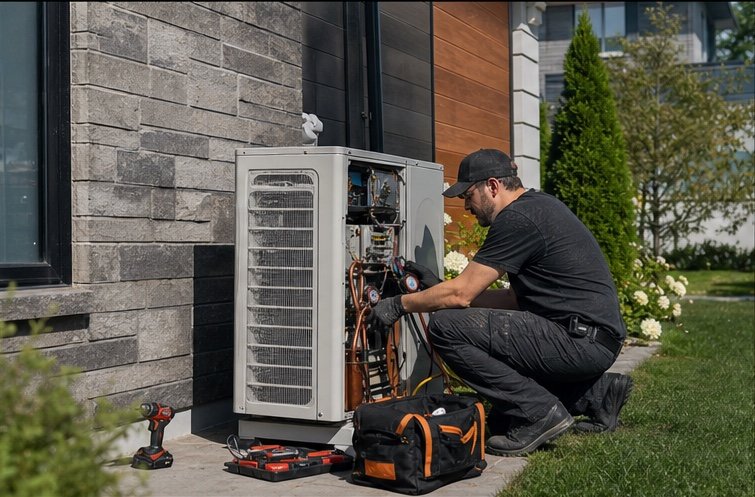
The same request, schedule, customer details, photos, notes, status, and next action stay available as work moves from the office to the site.
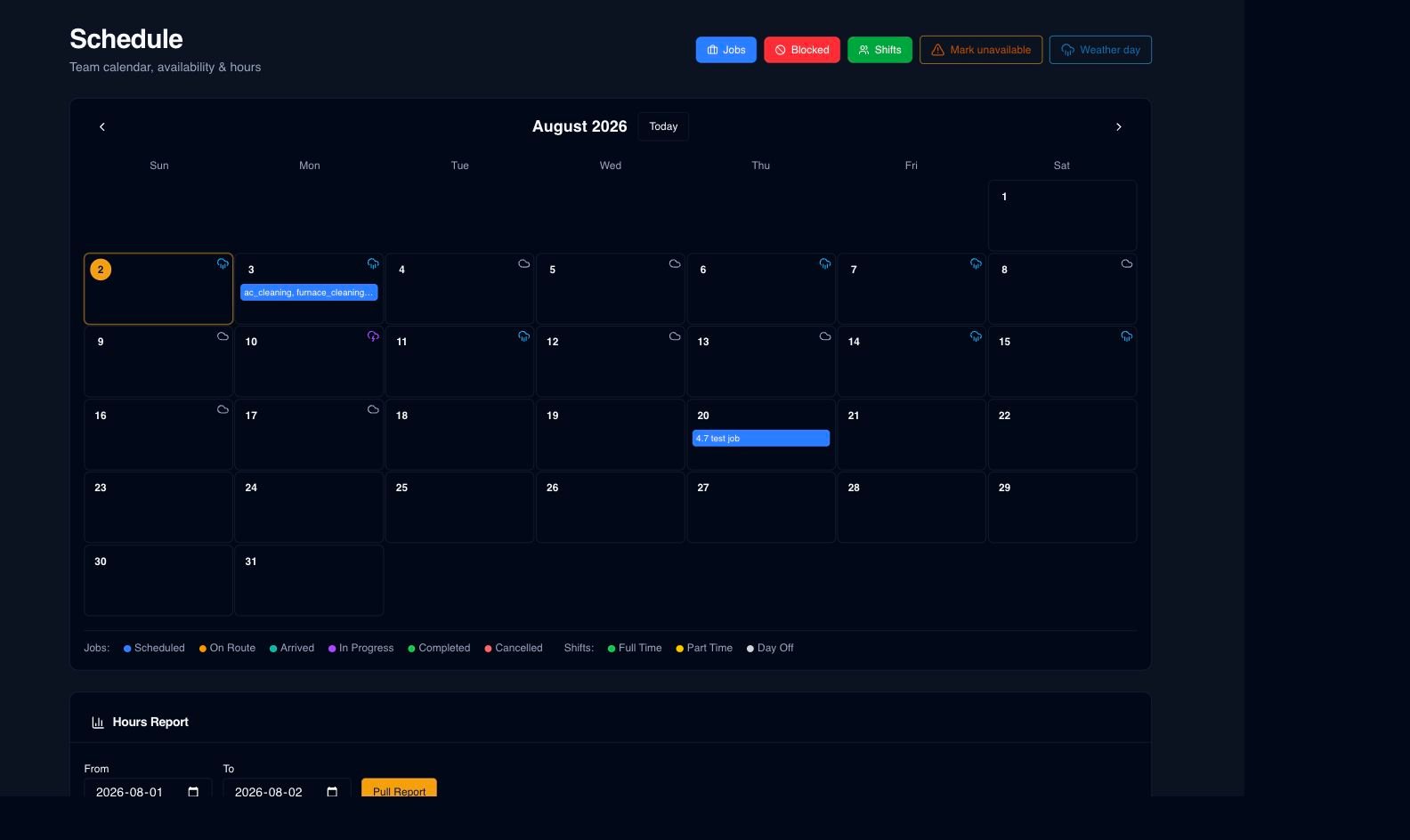
Real product screen
This image comes from the current Opti-Terrain application. Interface details may evolve, but the workflow shown here is part of the product surface audited for this site.
Opti-Terrain
Opti-Terrain keeps supported repeatable work moving, brings exceptions back before damage is done, and keeps the result visible.