Start with the assigned day
Technicians see their scoped jobs, calendar context and available weather information.
Do not send the crew in blind
An installable English and French web app keeps the technician’s assigned work, context, and supported field actions available on phone or desktop. Access stays scoped, with limited offline support for previously opened data and queued field actions.
What no longer has to depend on memory
Technicians see their scoped jobs, calendar context and available weather information.
An AI-assisted pre-visit briefing can summarize available job and customer context for review.
Authorized technicians can build a quote while the assessment details are fresh.
Checklists, photos, signatures and deficiency evidence stay connected to the job.
Assigned vehicle and fuel information can be updated from the field workspace.
Previously opened GET data can remain available, while checklist, status and completion actions can queue for replay after reconnection.
What Opti-Terrain handles and where you stay in control
Every major workflow makes five things visible: what starts it, which rules apply, what Opti-Terrain completes, when it stops and asks, and where you can verify the result without reconstructing the process.
A technician opens an assigned job before or during the visit.
Permissions, assignment and organization settings determine what that technician can view or change.
Opti-Terrain presents the scoped context and records permitted field updates, proof and status changes.
It asks the technician or office when a quote, deficiency, exception or final commitment needs human review.
See the result in the technician workspace and the shared job record after synchronization.
From office to field
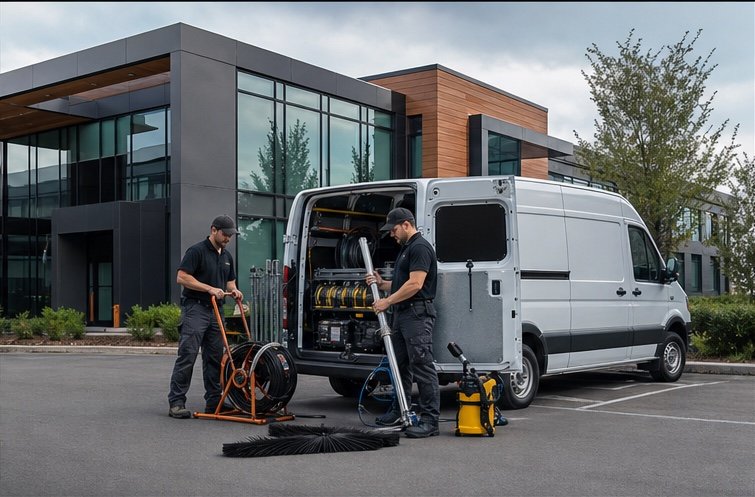
The same request, schedule, customer details, photos, notes, status, and next action stay available as work moves from the office to the site.
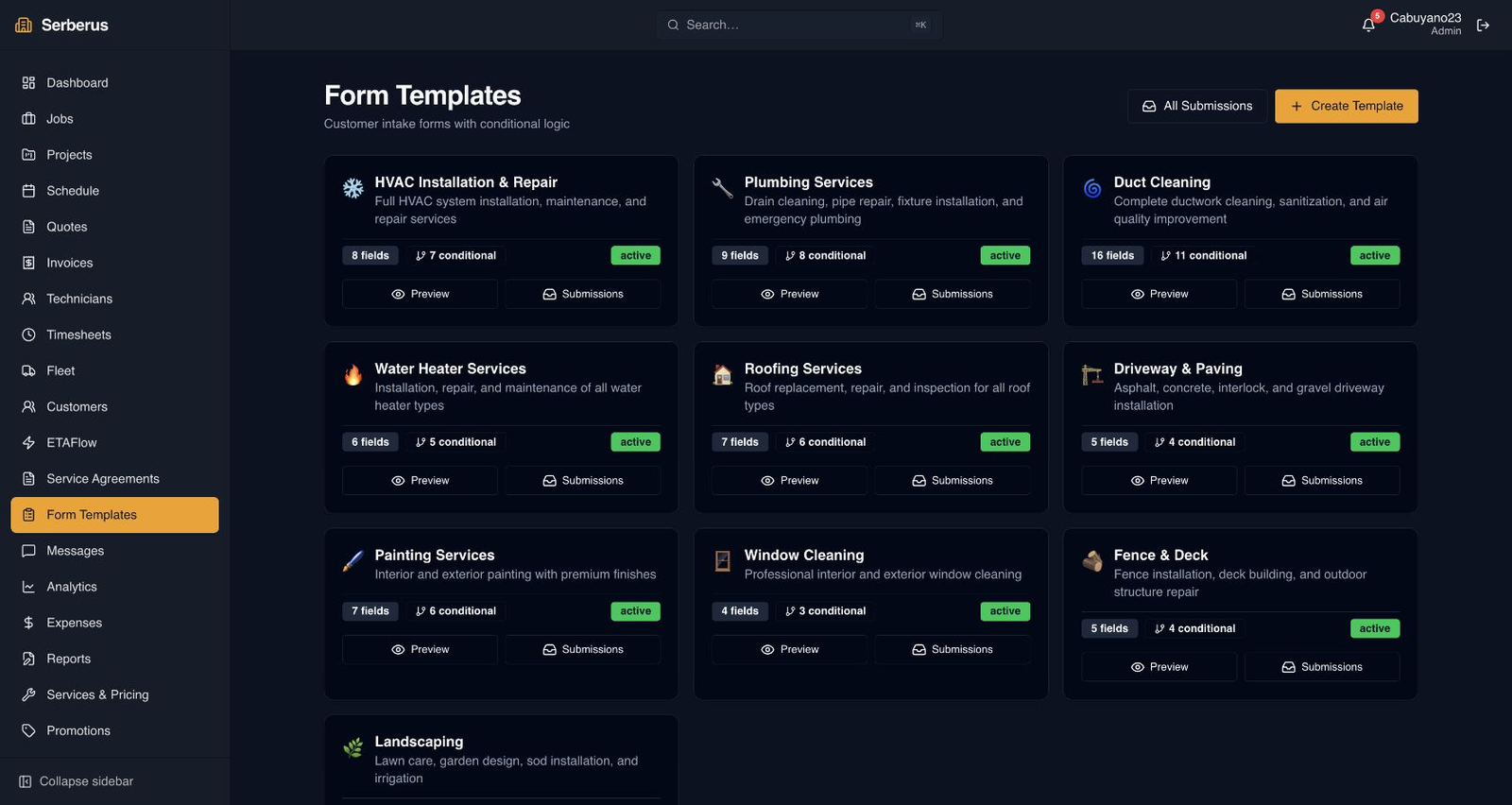
Real product screen
This image comes from the current Opti-Terrain application. Interface details may evolve, but the workflow shown here is part of the product surface audited for this site.
Opti-Terrain
Opti-Terrain keeps supported repeatable work moving, brings exceptions back before damage is done, and keeps the result visible.