Find the work fast
Search and filters help the office focus on the jobs, dates, statuses and assignments that need attention.
Do not lose the job at the handoff
Status, assignment, schedule, notes, proof, checklists, deficiencies, and financial records stay attached to the work so the next person does not have to remember or reconstruct the job.
What no longer has to depend on memory
Search and filters help the office focus on the jobs, dates, statuses and assignments that need attention.
Assign, reassign, reschedule, cancel or reopen while keeping the history attached to the job.
Job notes, customer details, photos and instructions stay available in the technician workspace.
Templates can produce job checklists that technicians complete against the actual work record.
Deficiencies can include before and after evidence so the office can see what changed.
Completion can trigger configured notices and, when enabled, prepare an invoice draft without sending it.
What Opti-Terrain handles and where you stay in control
Every major workflow makes five things visible: what starts it, which rules apply, what Opti-Terrain completes, when it stops and asks, and where you can verify the result without reconstructing the process.
A quote is accepted, a booking is confirmed or the office creates a job.
You set status, assignment, timing, checklist and notification expectations.
Opti-Terrain keeps the job record and its linked evidence moving through the configured stages.
It asks when a person must approve a reschedule, exception, quality issue or financial commitment.
See the current state in the job, schedule, checklist, audit log and linked documents.

From office to field
The same request, schedule, customer details, photos, notes, status, and next action stay available as work moves from the office to the site.
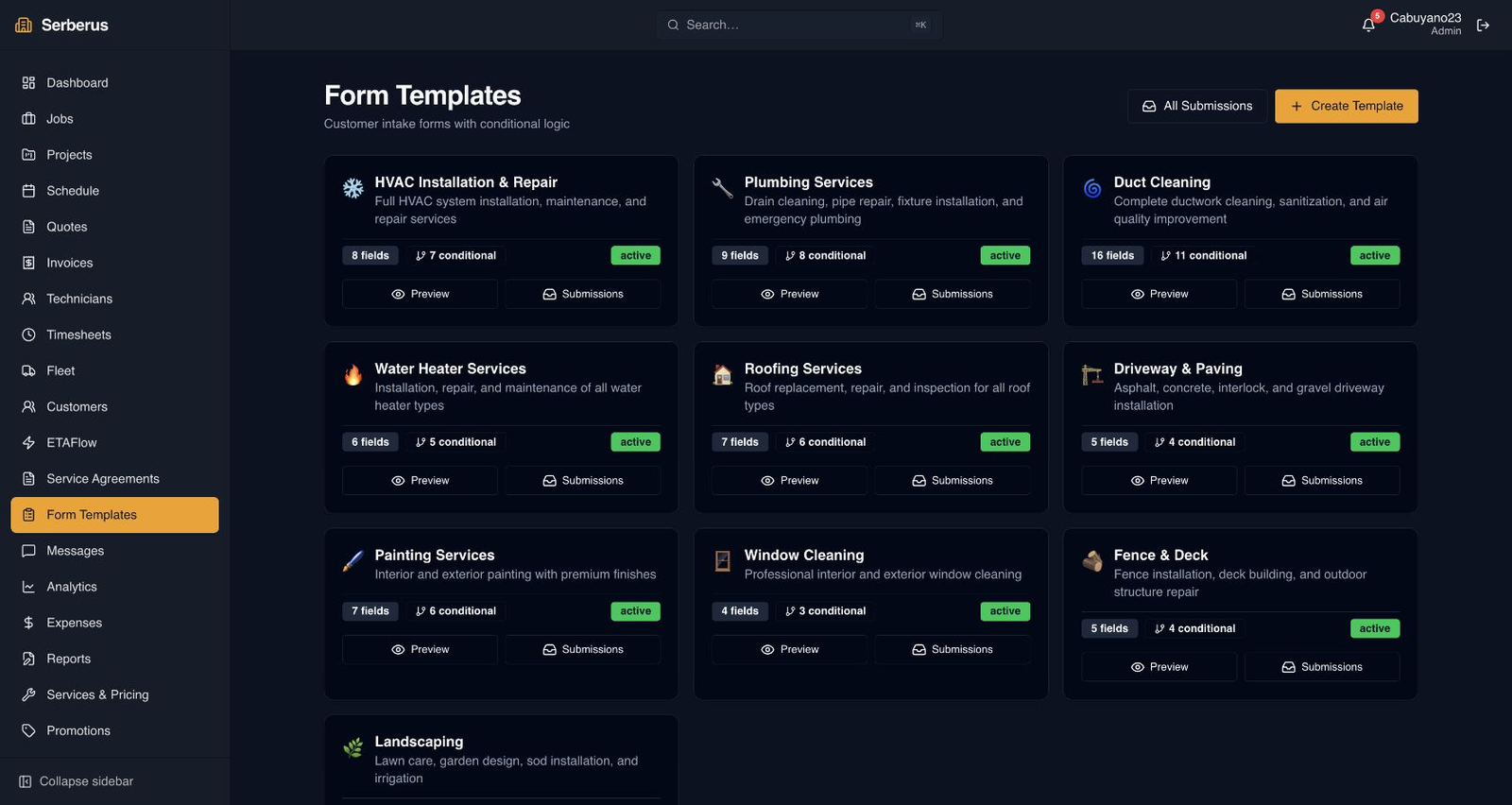
Real product screen
This image comes from the current Opti-Terrain application. Interface details may evolve, but the workflow shown here is part of the product surface audited for this site.
Opti-Terrain
Opti-Terrain keeps supported repeatable work moving, brings exceptions back before damage is done, and keeps the result visible.