Define workable shifts
Create team shifts and blocked days that scheduling can use as availability inputs.
Do not discover the missing capacity too late
Shifts, blocked time, clock records, corrections, PTO recovery, and vehicle records remain connected so the owner does not have to mentally reconcile team capacity before every decision.
What no longer has to depend on memory
Create team shifts and blocked days that scheduling can use as availability inputs.
Clock in, clock out and break events build a reviewable time record.
Corrections, approval state and flags help the office identify time entries that need attention.
PTO can cover a full day, morning or afternoon and connect affected work with the recovery process.
Keep vehicle status, team assignment and operational logs attached to the fleet record.
Record fuel, odometer, insurance, registration and maintenance information for office review.
What Opti-Terrain handles and where you stay in control
Every major workflow makes five things visible: what starts it, which rules apply, what Opti-Terrain completes, when it stops and asks, and where you can verify the result without reconstructing the process.
A shift starts, a technician records time, PTO is entered or vehicle information changes.
You set shifts, blocked time, approval responsibility, PTO period and vehicle assignment expectations.
Opti-Terrain records the permitted entry and connects absences with affected schedule context.
It asks when a correction, flagged time record, crew absence or vehicle issue needs approval or a recovery choice.
See the result in shifts, timesheets, PTO records, schedule context and fleet records.

From office to field
The same request, schedule, customer details, photos, notes, status, and next action stay available as work moves from the office to the site.
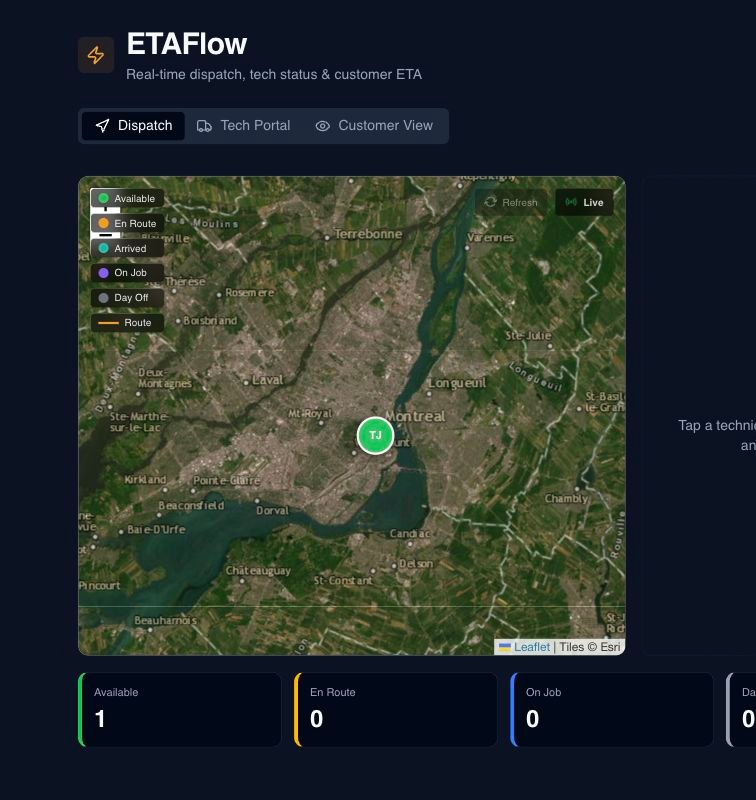
Real product screen
This image comes from the current Opti-Terrain application. Interface details may evolve, but the workflow shown here is part of the product surface audited for this site.
Opti-Terrain
Opti-Terrain keeps supported repeatable work moving, brings exceptions back before damage is done, and keeps the result visible.