Define the agreement
Keep the customer, covered service, description, price and internal notes in one record.
Do not lose the next recurring visit
Customer, service, billing cycle, agreement dates, next billing and service dates, status, and internal context stay recorded so recurring commitments do not live in someone’s head. Invoice generation remains manual, while recurring-job automation is separate.
What no longer has to depend on memory
Keep the customer, covered service, description, price and internal notes in one record.
Record monthly, quarterly or annual agreement timing.
Start, end, next billing and next service dates keep future obligations visible to the office.
Mark an agreement active, paused, cancelled or expired as the customer relationship changes.
An authorized user can manually create the agreement invoice when the billing date and details have been reviewed.
Recurring job creation can be configured independently so agreement records do not imply automatic renewal or billing.
What Opti-Terrain handles and where you stay in control
Every major workflow makes five things visible: what starts it, which rules apply, what Opti-Terrain completes, when it stops and asks, and where you can verify the result without reconstructing the process.
The office creates or updates an agreement for a customer's ongoing service.
You set the service, price, cycle, dates, status and internal notes.
Opti-Terrain keeps the agreement and its next billing and service dates visible.
It asks an authorized user to generate an invoice or change the agreement status manually.
See the current commitment in the agreement record and any invoice or recurring job created separately.
From office to field
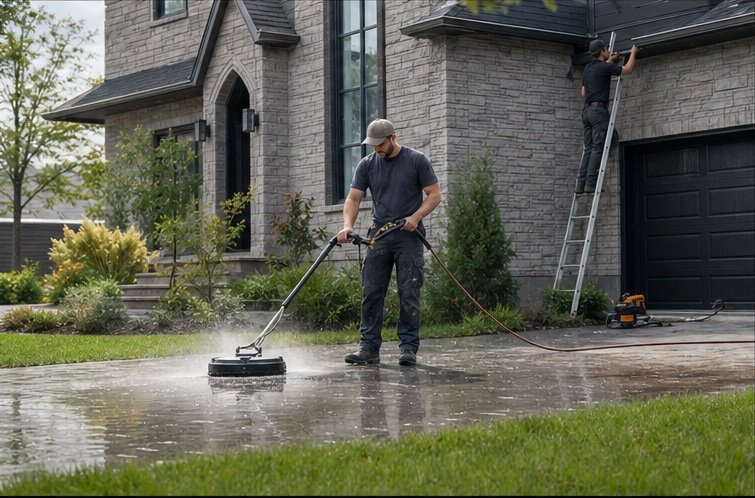
The same request, schedule, customer details, photos, notes, status, and next action stay available as work moves from the office to the site.
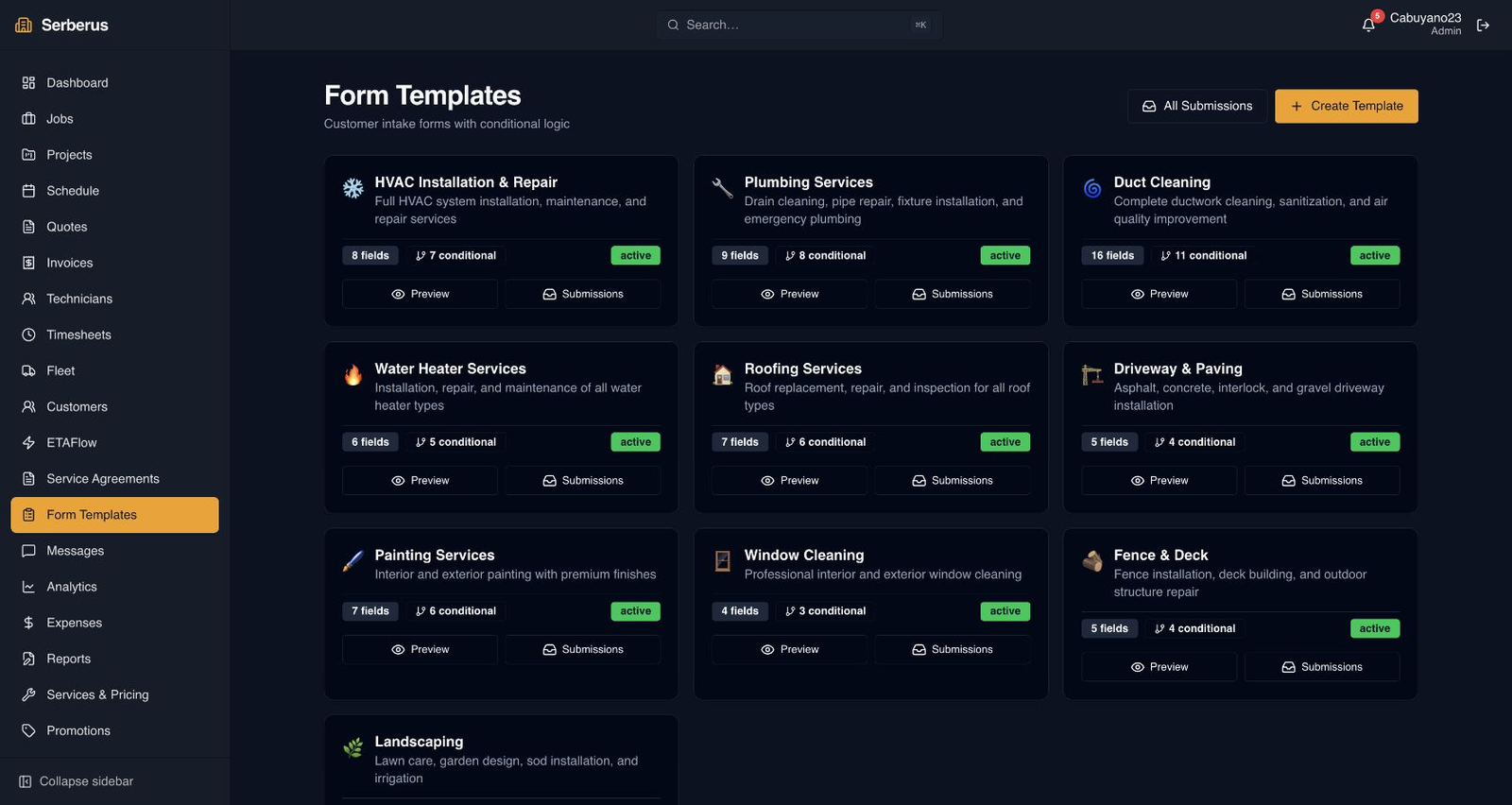
Real product screen
This image comes from the current Opti-Terrain application. Interface details may evolve, but the workflow shown here is part of the product surface audited for this site.
Opti-Terrain
Opti-Terrain keeps supported repeatable work moving, brings exceptions back before damage is done, and keeps the result visible.