Preview before writing
Review parsed rows and validation results before a supported import changes Opti-Terrain data.
Do not turn migration into data loss
Preview-first CSV imports, automatic and required manual mapping, validation warnings, organization-safe matching, and permission-gated exports keep record movement reviewable instead of relying on memory or blind bulk changes.
What no longer has to depend on memory
Review parsed rows and validation results before a supported import changes Opti-Terrain data.
Bring supported customer CSV data into the organization after the field mapping is confirmed.
Supported historical invoice rows can be validated and matched to organization records during import.
Automatic mapping handles recognized columns, while required unknown columns stay visible for manual mapping.
Row-level validation helps the user correct data rather than treating every parsed row as valid.
Authorized users can export supported customer, job, invoice, quote, technician, time, vehicle, agreement, expense and project data as CSV.
What Opti-Terrain handles and where you stay in control
Every major workflow makes five things visible: what starts it, which rules apply, what Opti-Terrain completes, when it stops and asks, and where you can verify the result without reconstructing the process.
An authorized user uploads a supported CSV or requests an available export.
You confirm permissions, field mapping, organization matching and which validation issues must be resolved.
Opti-Terrain prepares the preview or the permitted CSV output without hiding row-level problems.
It asks before committing an import and whenever a required mapping or invalid row needs a decision.
See import warnings and results in the import flow, or receive the generated export from the relevant tool.

From office to field
The same request, schedule, customer details, photos, notes, status, and next action stay available as work moves from the office to the site.
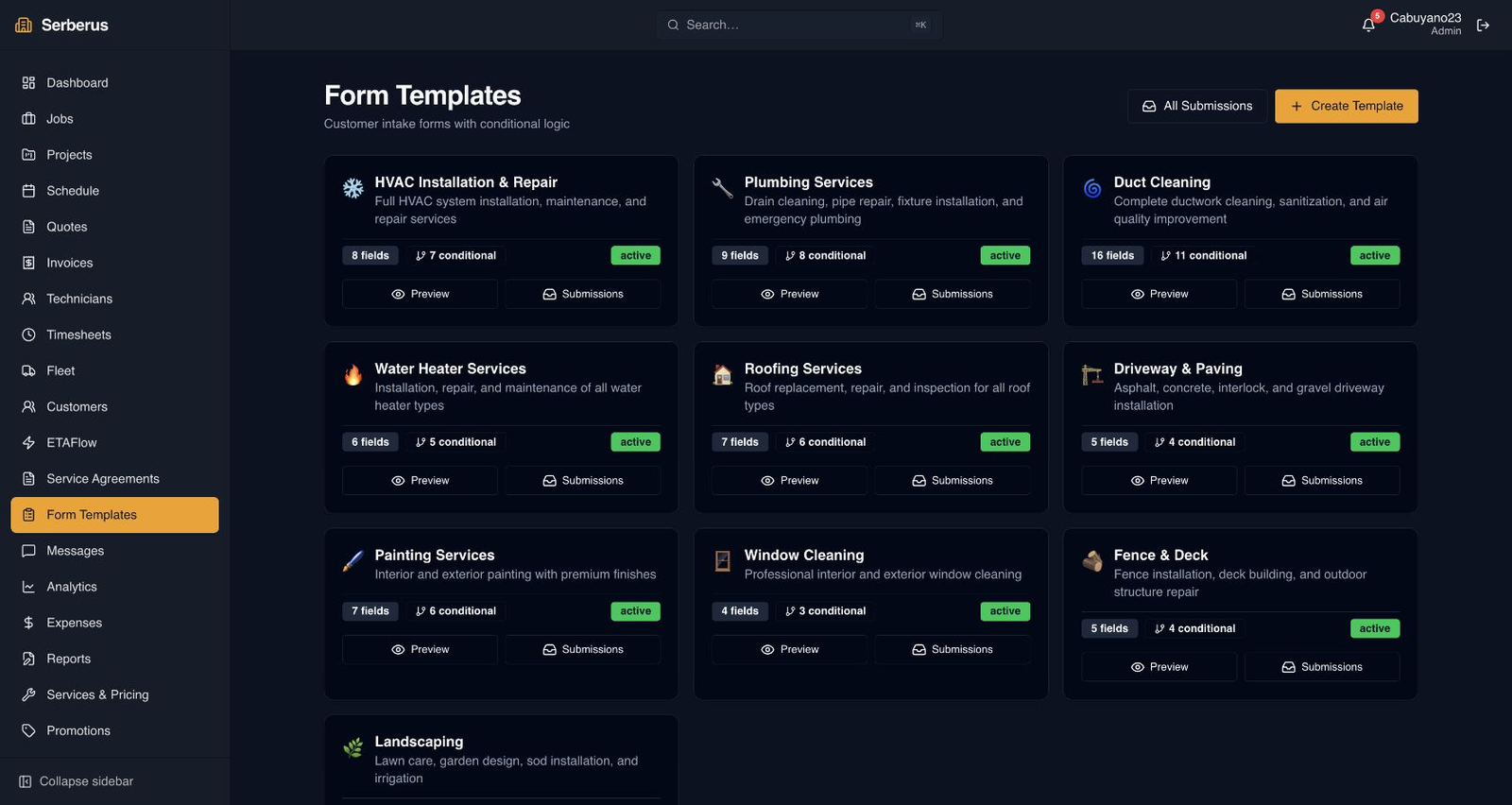
Real product screen
This image comes from the current Opti-Terrain application. Interface details may evolve, but the workflow shown here is part of the product surface audited for this site.
Opti-Terrain
Opti-Terrain keeps supported repeatable work moving, brings exceptions back before damage is done, and keeps the result visible.