Ask only what matters
Conditional fields and photo requests adapt the intake path to the selected service.
Do not lose the lead before the quote
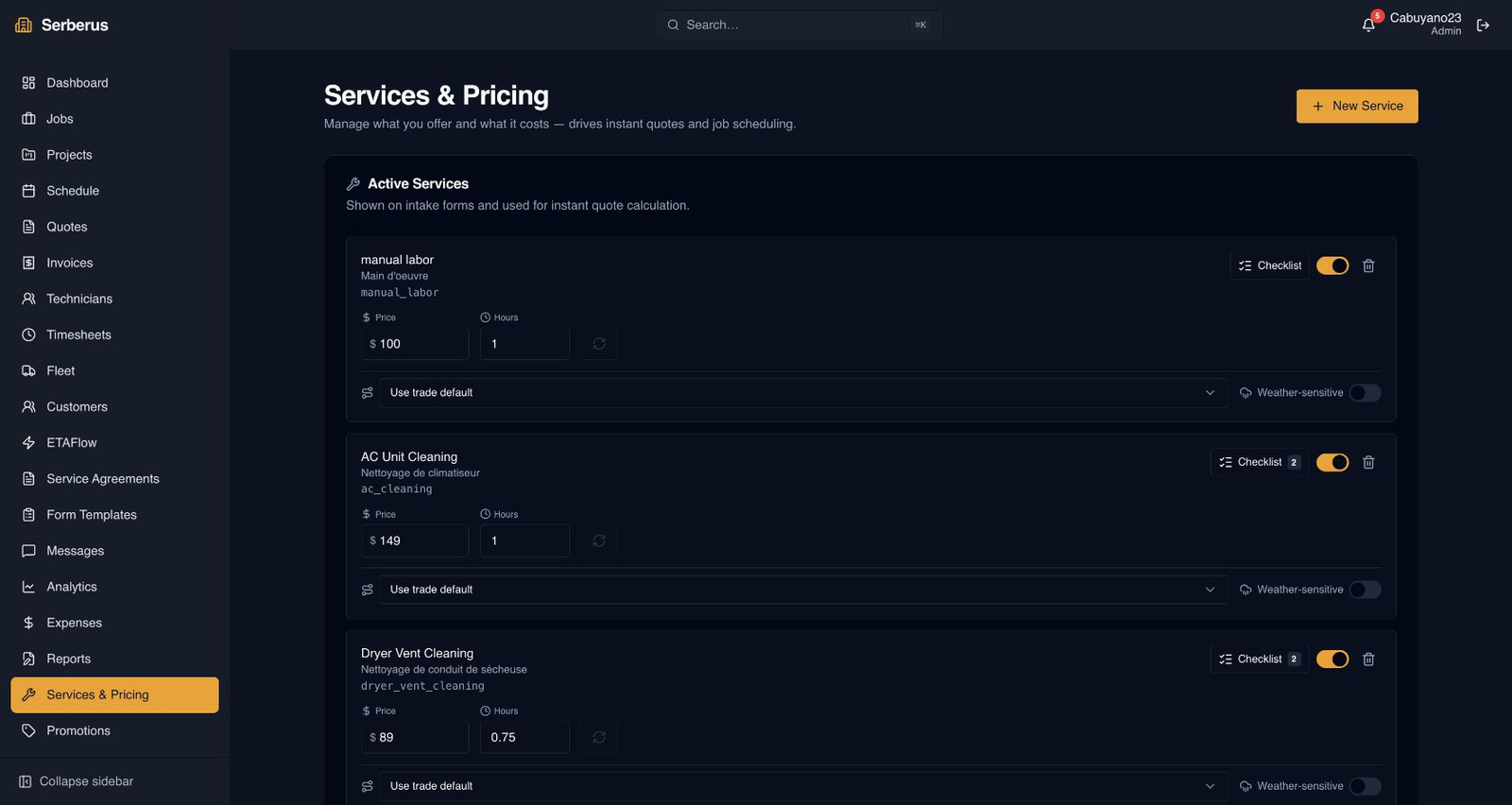
Early interest does not have to wait for owner attention. Opti-Terrain collects the details your trade needs, applies the pricing and qualification rules you set, then moves straightforward work toward a quote and complex work toward an assessment.
What no longer has to depend on memory
Conditional fields and photo requests adapt the intake path to the selected service.
Each trade and organization can decide which requests are quote-ready and which need an assessment.
Use saved services or custom lines with quantities, taxes, discounts, promotion rules and expiry dates.
Technicians with permission can prepare an on-site quote without losing the job context.
Tokenized links let a customer review a PDF and accept or decline without creating an account.
An accepted quote can move into booking and later become the basis for an invoice.
What Opti-Terrain handles and where you stay in control
Every major workflow makes five things visible: what starts it, which rules apply, what Opti-Terrain completes, when it stops and asks, and where you can verify the result without reconstructing the process.
A customer submits an intake form, or your team starts a quote.
You set service questions, pricing, taxes, discounts, quote expiry and assessment thresholds.
Opti-Terrain gathers the right details, calculates the configured lines and prepares the correct path.
It asks when the request falls outside your quote rules or needs owner judgment before a commitment.
Review the intake report, quote record, audit history and customer response in one workflow.
From office to field
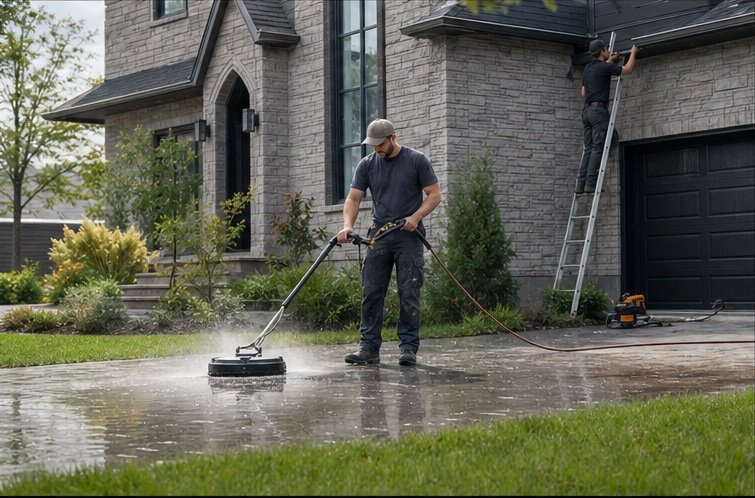
The same request, schedule, customer details, photos, notes, status, and next action stay available as work moves from the office to the site.
Real product screen
This image comes from the current Opti-Terrain application. Interface details may evolve, but the workflow shown here is part of the product surface audited for this site.
Opti-Terrain
Opti-Terrain keeps supported repeatable work moving, brings exceptions back before damage is done, and keeps the result visible.